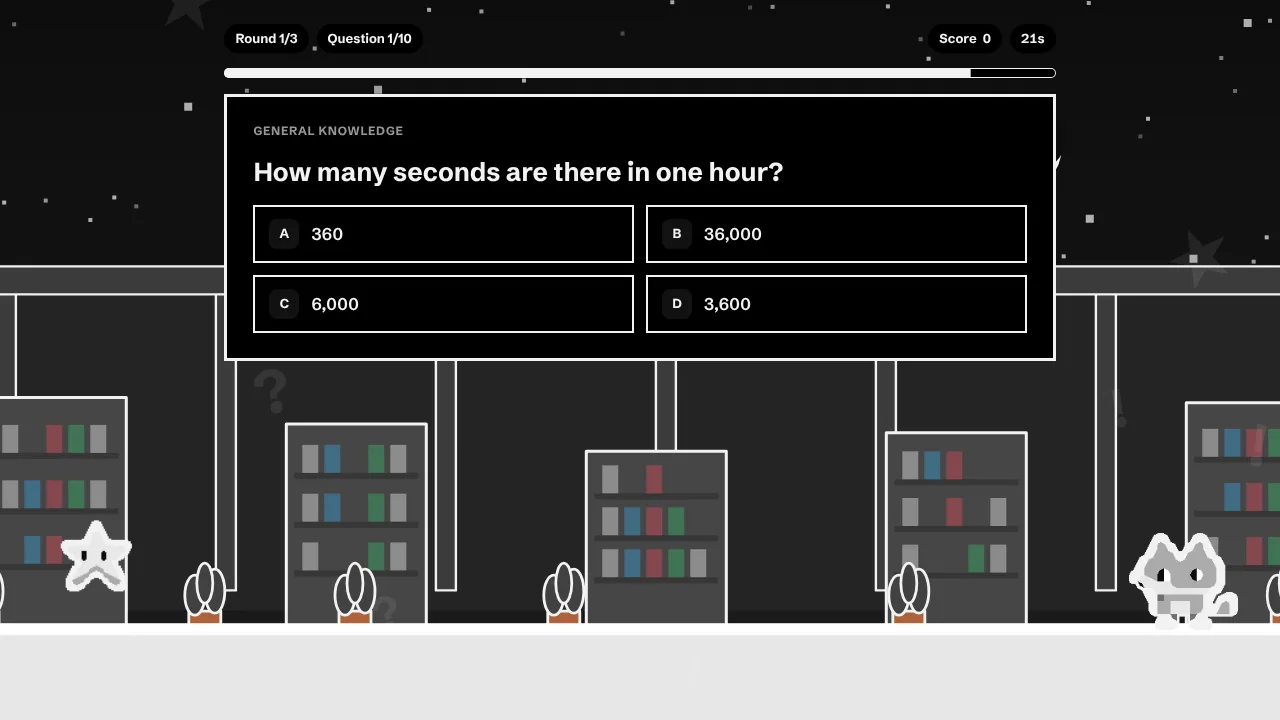
What a team quiz is for
A quiz is a low-pressure excuse for people to talk to each other. It works as an icebreaker at the start of a workshop, a welcome for new joiners, a lively way to end a long week or a year-end review. It does not work as a performance test or a stage for teasing. If anybody dreads being singled out, the mood sours. Aim for laughing with each other, never at someone.
Pick a format that fits how you work
| Team setup | How it runs | Time | Works well for |
|---|---|---|---|
| In the office | Tables of four to six, one answer sheet per table, game on the big screen | 45 min | Parties, offsites |
| Fully remote | Everyone plays on their own device, then compares scores in a chat or breakout rooms | 30 min | Distributed teams |
| Hybrid | Mixed teams with at least one remote person each, one host sharing the screen | 30–40 min | Teams split between office and home |
| Async welcome | One link for the first week, play when you like, post your score | Flexible | New joiners |
| Meeting opener | Five questions, answers shouted in the chat | 10 min | Weekly all-hands |
A 30-minute running order
- Minute 0–3, welcome: explain the rules in three sentences and form teams, ideally mixing departments and time zones.
- Minute 3–10, round one – warm-up: general knowledge, so every team scores early.
- Minute 10–18, round two – our world: abbreviations, tools, places and company history.
- Minute 18–25, round three – us: a look back at what you shared this year, with a couple of estimate questions.
- Minute 25–30, results: count up, celebrate the winners and give the last-placed team a consolation prize.
The final round can count double. It keeps every team in contention until the very end and gives the quiz a proper finale.
Question templates that work
- The estimate: “How many coffees did the office machine serve last week?” Offer ranges, not exact numbers.
- The acronym: “What does … stand for in our company?” A gift for newcomers and a good laugh for everyone else.
- The origin story: founding year, first office, first product.
- The shared moment: where the last offsite took place, what the motto of the last party was.
- The leveller: a general knowledge question anyone can answer, to keep it fair.
- The wildcard: a silly closing question where every answer is a bit right.
Five general-knowledge warm-ups
What is the capital of Canada?
Answer
Ottawa
How many continents are there, by the usual convention?
Answer
Seven
Which planet is closest to the Sun?
Answer
Mercury
What is the largest organ of the human body?
Answer
The skin
In which sport would you score with a slam dunk?
Answer
Basketball
The host’s checklist
- Play it yourself first. Check every fact and every spelling.
- Test the screen share and the link on a phone.
- Have a backup: a printed question sheet if the connection fails.
- Read each question aloud, so people who are still scanning the screen are not left behind.
- Explain every answer in a sentence. It keeps the energy up and turns wrong guesses into stories.
- Keep the clock moving. Fifteen to thirty seconds per question is plenty.
Keep it fair and kind
- No private topics. Health, family, salary and relationships stay out.
- Ask before featuring a colleague. If in doubt, check with them first.
- Do not assume expertise. Mix topics so nobody feels they started behind.
- Go easy on the inside jokes. Two or three are charming; a whole quiz of them is a closed club.
- Think about language. For international teams the game text can be created in 20 languages, for instance as two versions of the same quiz.
What it costs
A small team quiz costs 80 credits and a medium one 200. For use at work you need a plan with commercial rights – from the Creator plan at €24.99 a month. You see the price before anything is built. For a finished example, see the team quiz maker page.
Planning the year-end party? Our Christmas quiz offers 40 fact-checked questions you can use as they are.