What “no code” means here
You make a handful of choices and write a sentence. The AI turns your idea into a structured description of the game: a hero, obstacles, pace, texts. A game engine that we built and tested in advance plays that description in the browser. No program is written for your game, so it behaves the same way every time, and changing something later is quick and cheap.
Before you click: a three-line brief
Most disappointing games trace back to a vague purpose, not to technology. Spend three minutes on three questions: Who will play it? How long should a session last? What should they feel or see at the very end – a greeting, a high score, a reveal?
Our example: Luna is nine and loves the night sky. She will play for a few minutes on her parents’ tablet. At the end, a birthday greeting should appear.
Step 1: pick the genre
| If you want… | pick… |
|---|---|
| a short, sporty greeting | Endless Runner |
| levels with a start and a finish | Platformer |
| to test knowledge or share memories | Quiz |
| to tell a story with choices | Story Adventure |
| fast action against waves of enemies | Space Shooter |
| a calm brain teaser | Number puzzle |
| to plan and grow something for hours | Builder & Economy (world project) |
| to explore your own 3D city | Open World 3D (world project) |
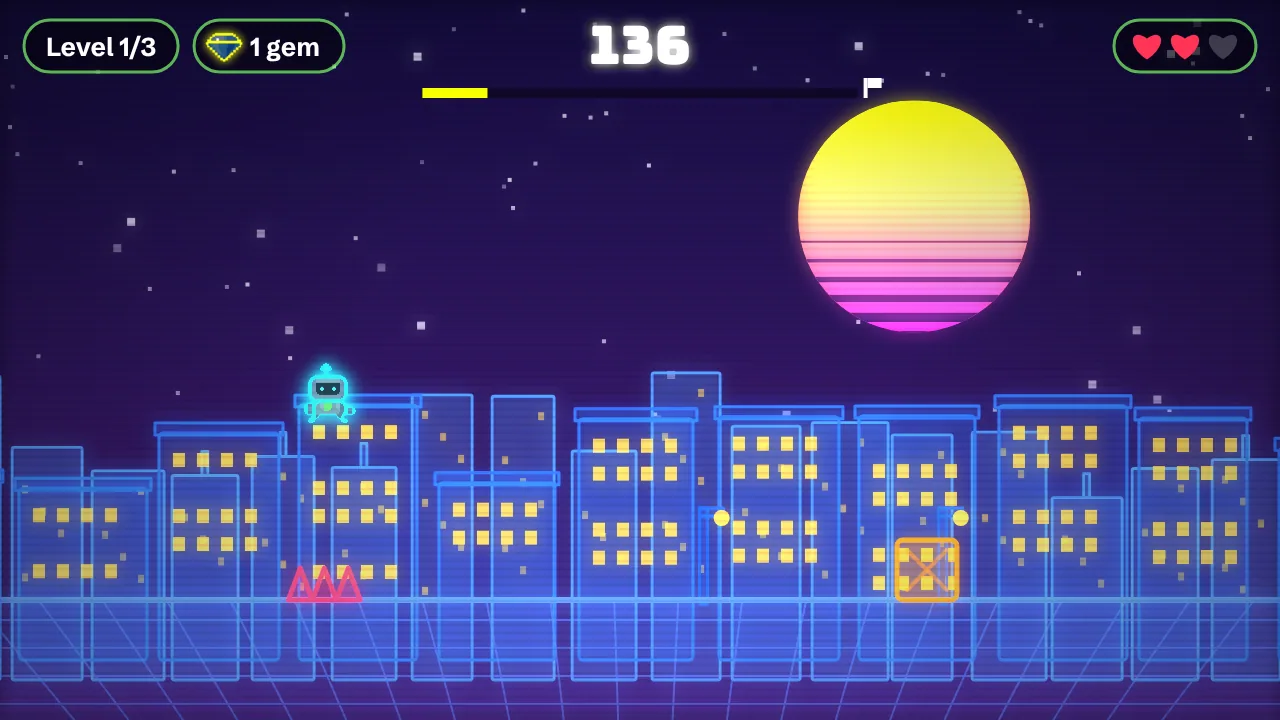
For Luna we choose the Endless Runner: a few minutes of fun, easy to learn, and a greeting as the reward.
Step 2: choose the size
Size controls the number of levels, the play time and the base price. A mini game has one level and lasts two or three minutes; a small one has three levels plus a menu and lasts about ten. A mini runner costs 40 credits, a small platformer 125. When in doubt, go one size smaller: a short game that gets finished beats a long one that gets abandoned.
Step 3: pick a style
Five looks are available: Pixel (retro grid), Neon (glowing on black), Pastel (soft and friendly), Paper (hand-drawn with outlines) and Mono (black and white, clean). You can swap the style later for 1 credit, so you cannot choose wrong. A night-sky runner wants Neon.
Step 4: add only the extras you need
- Touch controls (10 credits): essential if the game is played on a phone or tablet.
- Sound & music (15 credits): children’s games feel more alive with it.
- High-score list (10 credits): remembers the best score on the device – a good reason to play again.
- Save game (20 credits): worth it from the medium size upward.
- Story dialogue (40 credits): characters talk and the AI writes the lines.
Luna plays on a tablet and likes beating her own record, so we add touch controls, sound and the high-score list.
| Item | Credits |
|---|---|
| Size: Mini (one level) | 40 |
| Touch controls | 10 |
| Sound & music | 15 |
| High-score list | 10 |
| Total price | 75 |
Step 5: write the idea in one sentence
The idea is your brief to the AI. A good one answers four things: who is the hero, where does it happen, what is the goal and what should it feel like? If it is a gift, add the occasion, the first name and a short final message.
- Weak: “A space game.”
- Better: “A fox runs through space and collects stars.”
- Good: “A little fox runs along a glowing comet trail, collects stars and dodges meteors – cheerful and easy, for a nine-year-old. At the end it says: Happy birthday, Luna!”
Confirm the price and build
You see the price before anything is built, and credits are reserved only when you confirm. The AI then drafts the game description, automated checks verify it, and the engine builds the game. By our estimate a small game takes about two minutes (not yet measured in live operation). If a build fails technically, the credits reserved for it are credited back.
Test, then tweak in the studio
Play your game from start to finish the way Luna would. Anything too hard or not quite right can be changed in the studio chat. Small changes cost 1 credit, normal ones 8, big ones 25. Typical requests:
- “Make the first half a little slower.”
- “Call the meteors ‘space pebbles’.”
- “Change the final message to: Happy birthday, Luna! You are our brightest star.”
- “Switch to the pastel style.”
Share it
Your game gets its own link, which works without an account or an app. Send it by message or email, or print it as a QR code on a card. If you like, you can add the game to the arcade, where others can use it as a template; a remix gets 50% off the base price.
Five first-timer mistakes
- Starting too big. Mini and small games get finished and played; large ones often do not.
- Forgetting touch controls. Without them, an action game cannot be played on a phone.
- A vague idea. “A fun game” gives the AI nothing to hold on to.
- Skipping the test. Quiz facts in particular should be checked once before you share.
- Borrowed characters. Names from other games and films are blocked; your own hero is more fun to give.
Wondering how this compares with other ways of making games without code? Read the overview on the no-code game maker page, or start with make your own game.